How to repurpose your Amazon Influencer content: videos and photos
100% free. No course, no sign-up, no upsell.
You have already done the hard work of filming and photographing a product. Reusing that content on your website and social platforms can reach more people from the same effort. Adapt your videos, photos and captions for each place rather than starting from scratch.
Make your photos work harder, too
Your own product photos can become Pinterest pins, Instagram posts or carousels, Facebook posts and useful images on your creator website. Show the product in use, include helpful detail and label affiliate links clearly. Use content you own or have permission to reuse.
Eligible Amazon Influencers can also upload shoppable photos through Amazon’s creator tools. Amazon may select eligible content for additional placements; its public guidance confirms possible exposure while customers browse or search Amazon, not guaranteed distribution outside Amazon. Any external promotion by Amazon is at its discretion — do not rely on it as a promised source of traffic.
Check Amazon’s current photo-upload guidance and content-placement explanation.
Where to post your content
Quick takeaway: create once, then adapt your videos, photos and captions for each platform.
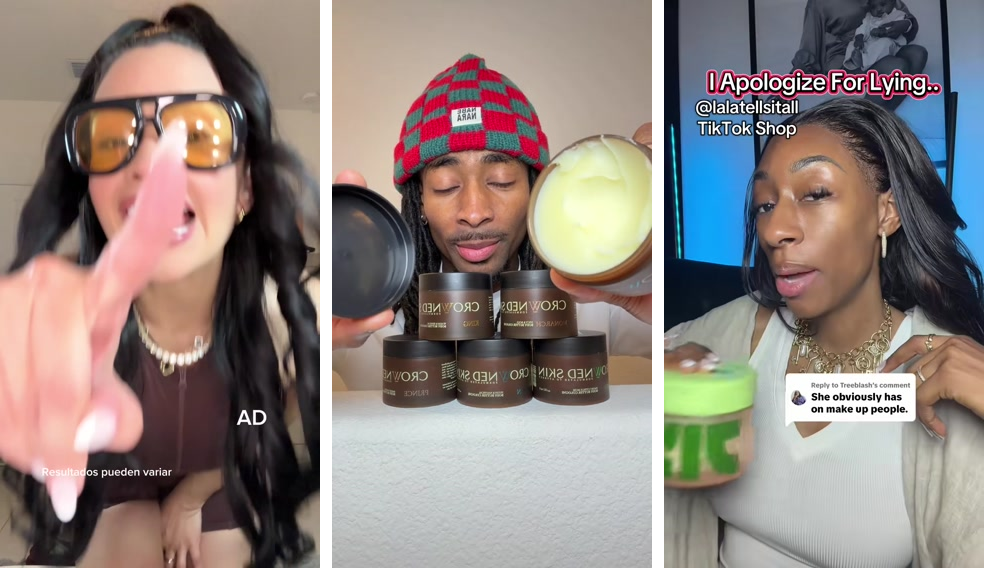
TikTok
3 × vertical videos, 15–45 seconds each
- Post at least 1 hour apart.
- Try different angles: a demonstration, a problem and solution, and your personal verdict.
YouTube & YouTube Shopping
Horizontal videos and Shorts
- Upload your full horizontal review.
- Cut shorter vertical clips for Shorts.
- Once you qualify, tag the product in YouTube Shopping.
Trybe
Vertical videos
- Film multiple versions with very strong opening hooks to grab attention.
Vertical, 8–12 seconds, no audio
- On-screen text is recommended, because most viewers will not hear sound.
Posts and Stories
- Posts: include a call to action to check the link in your bio.
- Stories: use story mode and include the link.
Posts and Reels
- Put the link in the comments.
Other social platforms
X (Twitter), Threads, Mastodon, Bluesky
- Share individual posts with your affiliate links.
Other affiliate programmes
Awin, Wayfair, CJ, Impact, Rakuten, LTK, ShopMy
- Use your own photos and videos on your social channels and link to matching products through approved affiliate programmes.
Before you post: adapt each video or photo for the platform, check its disclosure rules and register eligible external link locations in your Amazon Associates Site list.
Consider making your own website
Social platforms can change their rules overnight. A website of your own gives your videos, photos and links one permanent home. Read our free guide to building one in an afternoon.
Need products to film first?
Our free product pipeline guide covers four ways to get products and the four videos to make from each one.
Read the free product pipeline guideWant to save time? Compare Amazon Influencer tools, including ones that help with uploading and cross-posting.
Questions
Can I post the same video on every platform?
Start from the same footage, but adapt it for each platform: length, orientation, sound, on-screen text and where the link goes all differ. Check each platform's current rules.
Can I use Amazon affiliate links on social media?
Each platform and affiliate programme has its own rules on links and disclosure, and they change. Always disclose affiliate links clearly and check Amazon's and the platform's current terms before posting.
Where do I get products to film in the first place?
Our free product pipeline guide covers Creator Connections, brands, TikTok Shop and Levanta, plus the four video types to make from each product.
Want to try Trybe? Read our free Trybe guide.